Integration Testing with Deterministic Replay
Integration testing in BitDive goes far beyond simple "Mockito + Stubs." Instead of manually mocking individual beans, BitDive allows you to execute real business scenarios by booting your actual Spring context while replaying the "outside world" from captured production traces. This extends the unit testing approach to full Spring contexts.
BitDive boots the complete Spring ApplicationContext with all real beans, transactions, validation, and security filters. External boundaries in the current documented replay surface, including SQL responses, HTTP calls, and Kafka interactions, are replayed from captured traces. See Technology Coverage for the current list.
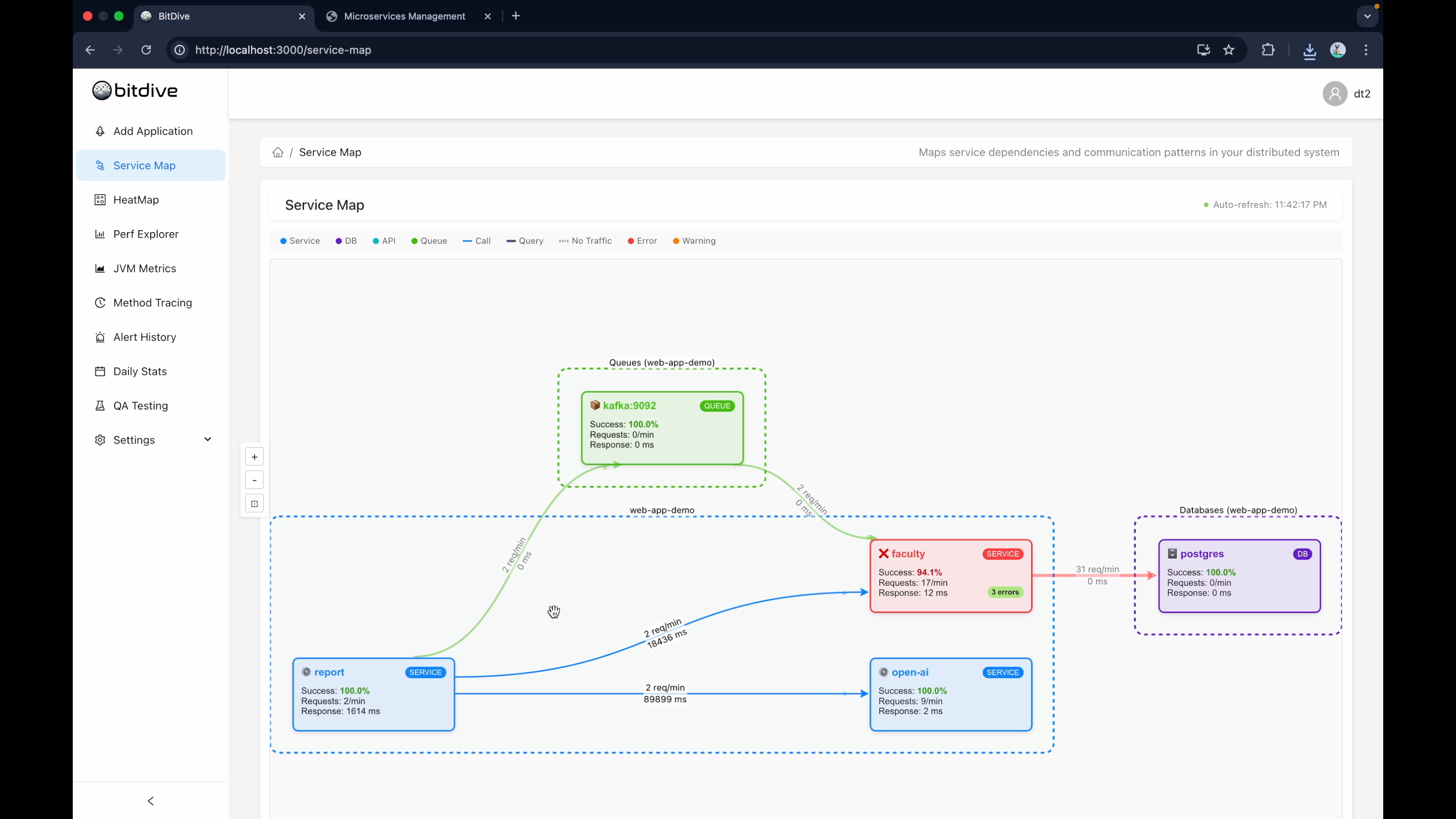
What "Integration Test" Means in BitDive
Spring defines an integration test as any test that loads an ApplicationContext. In BitDive, this means testing one Spring Boot service as a system within its own boundaries: the full Spring context boots, the test enters through the real HTTP endpoint, and exits through a real database write. Only dependencies that live outside the service are stubbed.
The Full Internal Chain
The test exercises the entire chain that a real request would hit:
HTTP Entry → Controllers / Filters → Validation (@Validated) → Service Logic / Domain Rules → @Transactional Boundaries → Repositories / SQL → Response Serialization
Every component in this chain is real. If any link breaks, the test fails.
The Service Boundary: Internal vs External
| Internal (real in the test) | External (stubbed in the test) |
|---|---|
| All Spring beans and auto-configuration | OpenFeign or other outbound HTTP calls to other microservices |
| Business logic: services, domain rules | REST calls to 3rd-party APIs (Stripe, CRM) |
| Data access: repositories, JPA mappings, SQL | Outbound Kafka producers or other network-facing integrations |
@Transactional, @Validated, @Cacheable | Any dependency with network latency or data you don't control |
| HTTP layer: controllers, filters, exception handlers | |
| Adapters: mappers, converters, aspects, event listeners |
The principle: never "cut" the internal chain. Only replace responses from the outside world so the entire logic inside the service runs end-to-end.
What Integration Tests Catch That Unit Tests Miss
The most expensive production bugs happen not in logic, but at integration seams. These are the classes of issues that unit tests are structurally unable to detect:
- JSON contract breaks — A DTO field is renamed and the API response silently changes shape.
- Configuration binding failures —
@ConfigurationPropertiesstops binding after a key rename; the app starts with default values. - Transaction proxy bypass — A
@Transactionalmethod called from within the same bean skips the proxy, so the transaction never opens. - Repository query vs schema drift — A JPQL or native query is valid in theory but fails against the actual database schema after a migration.
- Security filter misconfiguration — Spring Security rules block valid requests after a filter chain update.
- Serialization mismatches —
ObjectMapperserializes dates or enums in an unexpected format, breaking downstream consumers. - Missing @Validated — Controller parameter validation silently skipped because the annotation is on the wrong level.
- DTO mapping failures — MapStruct or ModelMapper silently drops or swaps fields after a domain model refactor; unit tests that mock the mapper never see it.
- Aspect side effects — AOP advice for logging, metrics, or audit silently changes method behavior, argument order, or return values.
- HTTP client misconfiguration —
RestTemplateor another outbound HTTP client sends wrong headers, timeouts, or TLS settings; passes in unit tests where the client is mocked entirely.
Unit tests remain green because they mock the very infrastructure where these bugs live. Integration tests exercise the real Spring context and the full internal chain, catching these issues before they reach production.
How External Dependencies Are Stubbed
External dependencies enter your code in one of three forms. Each has a clean stubbing pattern.
Pattern 1: OpenFeign Client or Java Interface Bean
If you have a CrmClient or PaymentGateway interface injected as a Spring bean, use @MockBean. Spring boots the full context but replaces this one bean with a Mockito mock. Every other bean stays real.
Pattern 2: RestTemplate or Another Outbound HTTP Client
Point the base URL to a local WireMock or MockWebServer instance. This tests the real HTTP serialization, headers, and error handling against a controlled stub. More realistic than @MockBean when HTTP behavior is part of the risk.
Pattern 3: Outbound Message Queues
For Kafka producers, @MockBean the producer and verify with verify(producer).send(...). Use an embedded broker via Testcontainers if the consumer logic is part of the critical chain.
The rule: stub only what crosses the service boundary. Never mock internal services or repositories for convenience.
Example: Traditional Integration Test
A realistic microservice scenario: POST /api/policy/sign triggers validation, domain logic, a database write, and a call to an external CRM. The CRM is the only external dependency.
@SpringBootTest(webEnvironment = SpringBootTest.WebEnvironment.RANDOM_PORT)
class PolicyIntegrationTest {

    @Autowired TestRestTemplate rest;
    @Autowired PolicyRepository policyRepository;

    @MockBean CrmClient crmClient; // only external dep is mocked

    @Test
    void sign_happyPath_runsFullChainAndWritesToDb() {
        when(crmClient.getCustomer("42"))
                .thenReturn(new CustomerDto("42", "VIP"));

        ResponseEntity<SignResponse> resp = rest.postForEntity(
                "/api/policy/sign",
                new SignRequest("C-123", "42"),
                SignResponse.class
        );

        assertThat(resp.getStatusCode()).isEqualTo(HttpStatus.OK);
        assertThat(resp.getBody().status()).isEqualTo("SIGNED");

        // verify the full chain: HTTP -> service -> @Transactional -> DB write
        PolicyEntity saved = policyRepository.findByContractId("C-123").orElseThrow();
        assertThat(saved.getCustomerSegment()).isEqualTo("VIP");

        verify(crmClient).getCustomer("42");
    }
}
This test simultaneously verifies: Spring context boots, HTTP deserialization works, CrmClient is called correctly, @Transactional commits, domain logic maps CRM data to the entity, response serializes, and the database contains the expected row. A unit test mocking PolicyRepository and CrmClient would stay green through most of these failures.
The problem at scale: maintaining hundreds of when(...).thenReturn(...) setups and fixture files as the service evolves. BitDive solves this with trace replay.
How BitDive Integration Testing Works
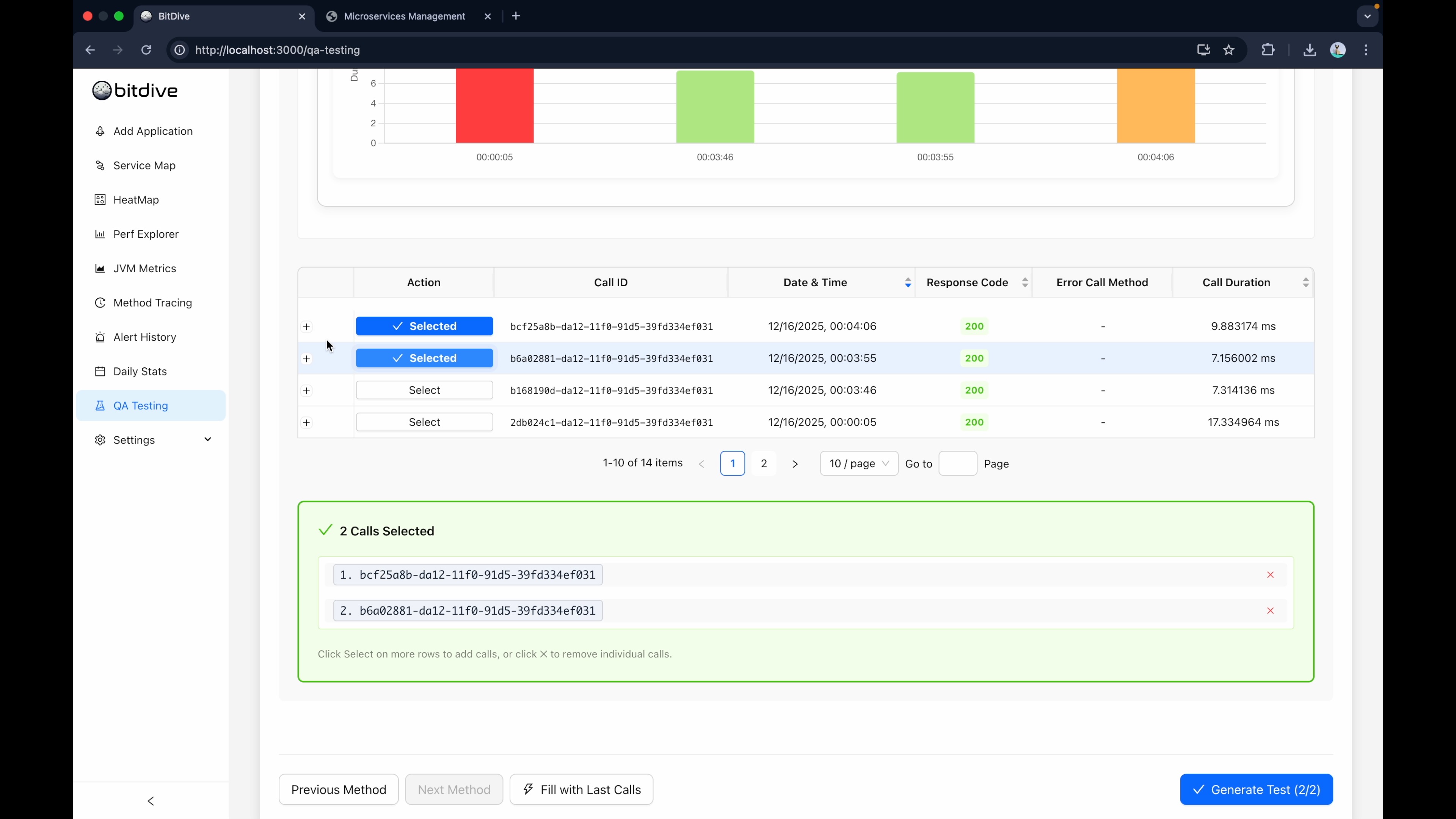
The system follows a pipeline to transform a production trace into a full-context integration test:
- Trace Capture: BitDive records the full execution: HTTP entry point, method calls, SQL queries, API responses, Kafka messages.
- Cassette Formation: External interactions are converted into replay cassettes:
- HTTP: Request fingerprint (Method/URL/Body) maps to recorded responses.
- SQL: Normalized queries + bind parameters map to recorded ResultSets.
- Kafka: Topics and keys map to recorded payloads.
- Deterministic Injection: Sources of non-determinism like
Instant.now(),UUID.randomUUID(), andRandomare fixed to return the exact sequence of values from the original execution.
The Replay Test Architecture
BitDive provides a reusable harness for integration tests. The goal is "Minimum Code, Maximum Verification."
1. The Replay Harness (ReplayTestBase)
By extending ReplayTestBase, your test classes become simple pointers to scenarios. No @MockBean lists, no manual mock setup.
class PolicyControllerReplayTest extends ReplayTestBase {

    @Override
    protected List<ReplayTestConfiguration> getTestConfigurations() {
        return ReplayTestUtils.fromRestApiWithJsonContentConfigFile(
                Arrays.asList("0d46c175-4926-4fb6-ad2f-866acdc72996")
        );
    }
}
2. Internal Execution Flow
When you trigger mvn test, the BitDive harness performs the following:
- Spring Boot Context: Loads the full Spring context (or a specific test profile).
- Replay Beans Registration: Injects interceptors for HTTP/SQL/Kafka and stabilizers for Time/UUID.
- Cassette Matching: When your code calls a database or downstream API, BitDive's matcher returns the recorded response instead of hitting a live resource.
- Invariant Verification: The test fails if the code makes an unexpected external call or if the contract of a recorded call changes.
All external dependencies (including database responses) are replayed from the captured trace. No database, no Docker, no Testcontainers needed. Just mvn test.
Key Benefits
1. Production Bug Reproducibility
If a bug occurs in production, take the scenarioId, add it to your getTestConfigurations() list, and you instantly have a regression test that reproduces the exact failure locally.
2. "Strict Mode" Safety Net
Traditional tests often pass even if the code starts making unnecessary extra database calls. BitDive's "Strict Mode" fails the test if any unrecorded external interaction occurs, catching hidden performance regressions.
3. Zero Flakiness
By fixing UUIDs, Timestamps, and Random values, the test becomes environmentally independent. It runs identically on your laptop, a CI runner, or a colleague's machine.
4. Full-Chain Verification
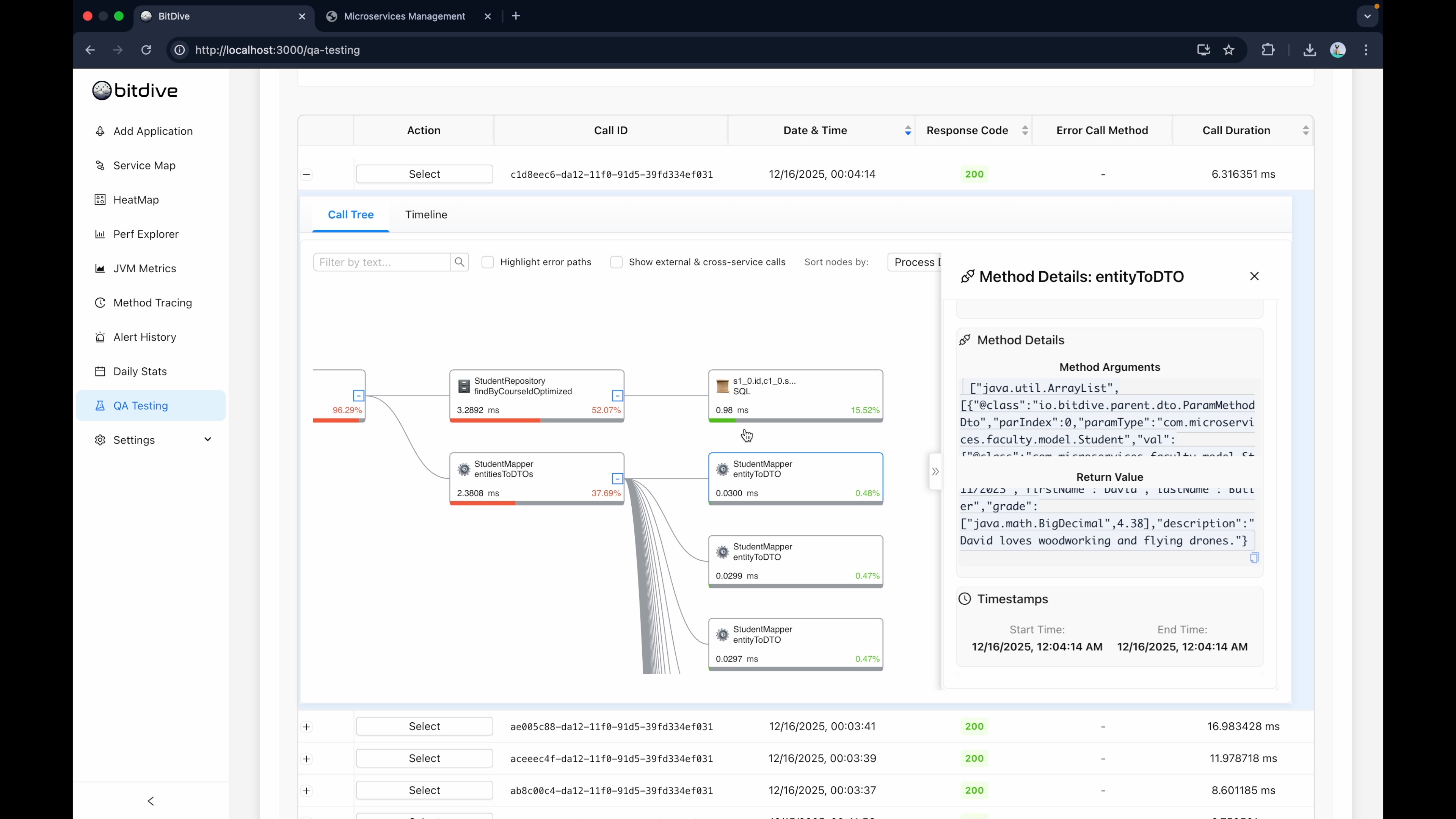
BitDive doesn't just check the final API response. It observes the entire internal call chain: controller, validation, service logic, @Transactional boundaries, repository calls, and response assembly. Full observability into your business logic.
Need Real Database Verification?
Replay mode replays all external dependencies from traces, including database responses. If you need to catch schema drift, constraint violations, or migration issues, BitDive also supports Testcontainers mode: real PostgreSQL, MongoDB, or Redis via Testcontainers with external APIs still replayed from traces.
Next Steps: Scaling Your Coverage
You can scale coverage by adding batches of scenarios to a single test class or using parameterization to run hundreds of production-grade checks in seconds.
Unit Testing Guide - Learn how to create method-level tests.
CI/CD Integration Guide - Automate your integration tests for every release.
Configuration Guide - Advanced settings for matcher policies and masking.